
AgoraQuiz v2: what changes for your students
After the teacher space, the app your students use moves to version 2. The principle stays the same: they suggest questions, you approve them, then the whole class revises by playing.
We wanted students to know, as soon as they open the app, what to do next: play, suggest a question or make progress on a quest.
Article updated on 13 October 2026.
- One screen to choose how to play
- Adventure mode
- Suggesting a question
- Goals become quests
- Clearer statistics
- Achievements to unlock
- An avatar of their own
- And also
- On a phone, a tablet or a computer
One screen to choose how to play
In the previous version, the games page had two tabs: Duel mode and Solo mode.
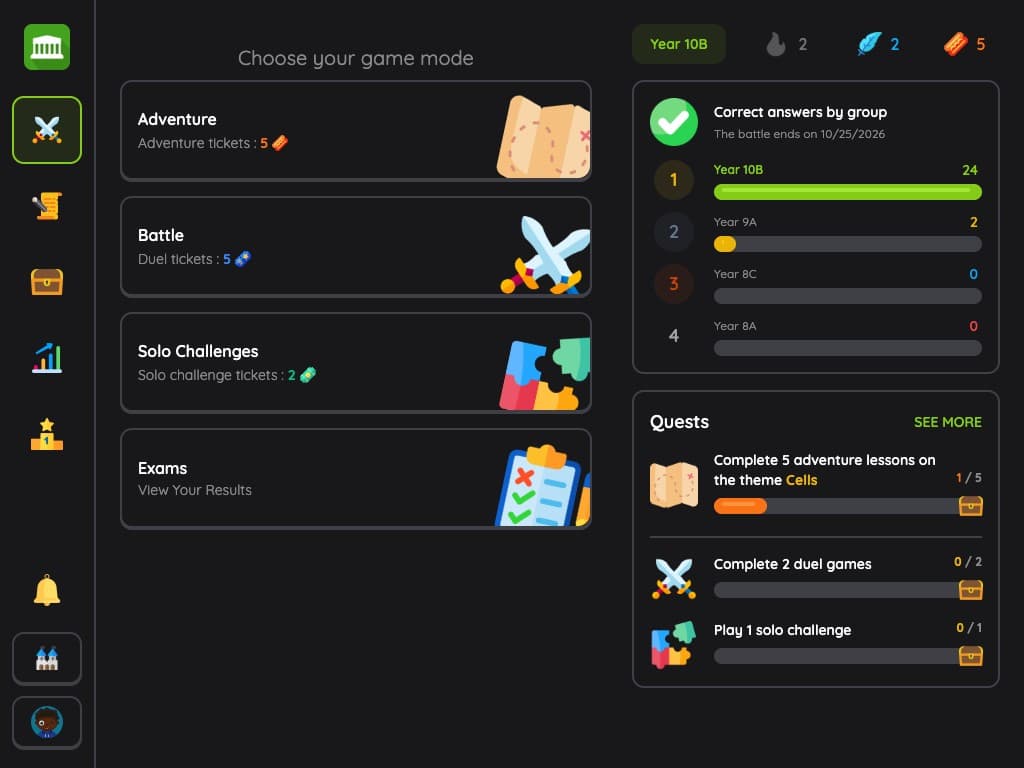
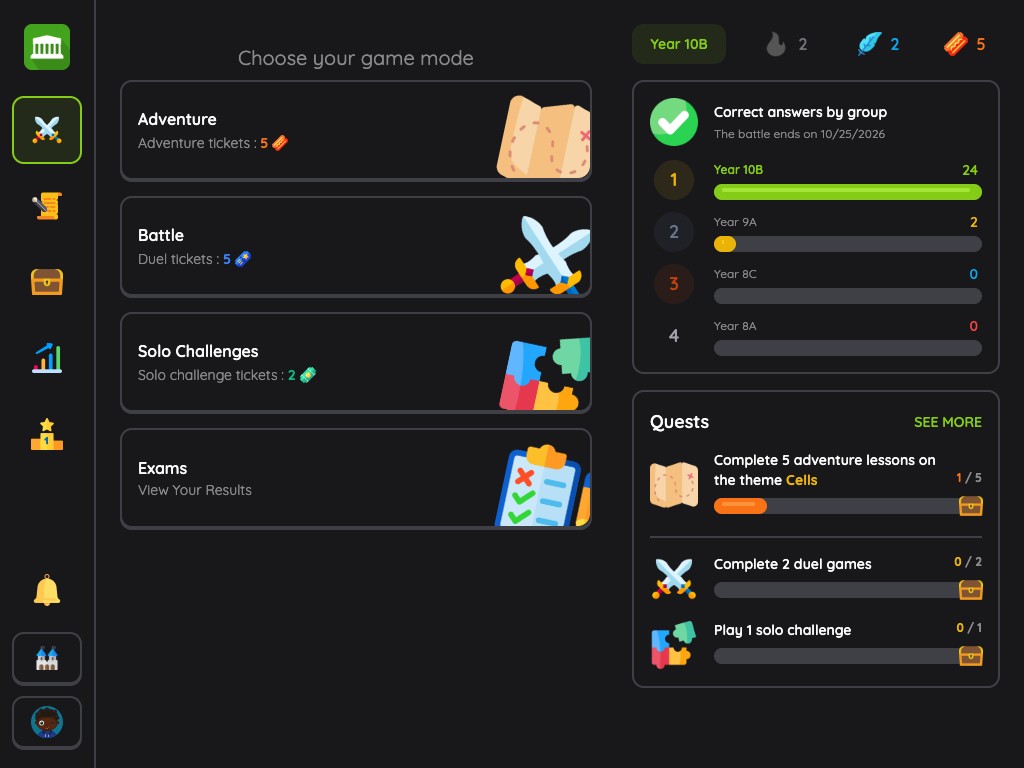
The home screen of the new app brings every mode together on one screen: Adventure, Duel (called “Battle” in the app), Solo Challenges and Exams. On the right, students see their current quests and, if there is one, the score of the ongoing battle between groups.
Each mode shows the number of tickets left: a game uses one, and they refill over time.
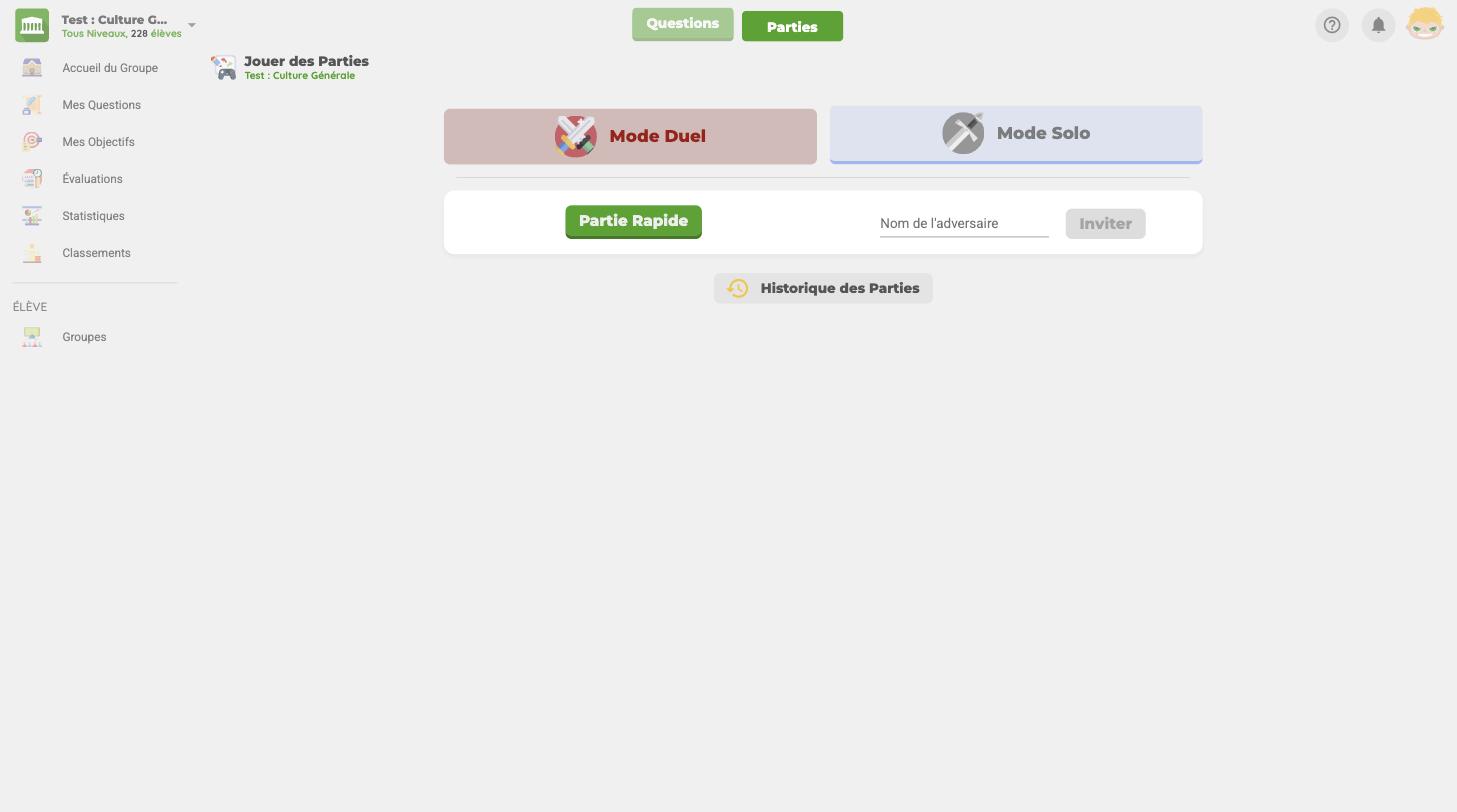
The screenshots of the previous version are shown in French.
Adventure mode
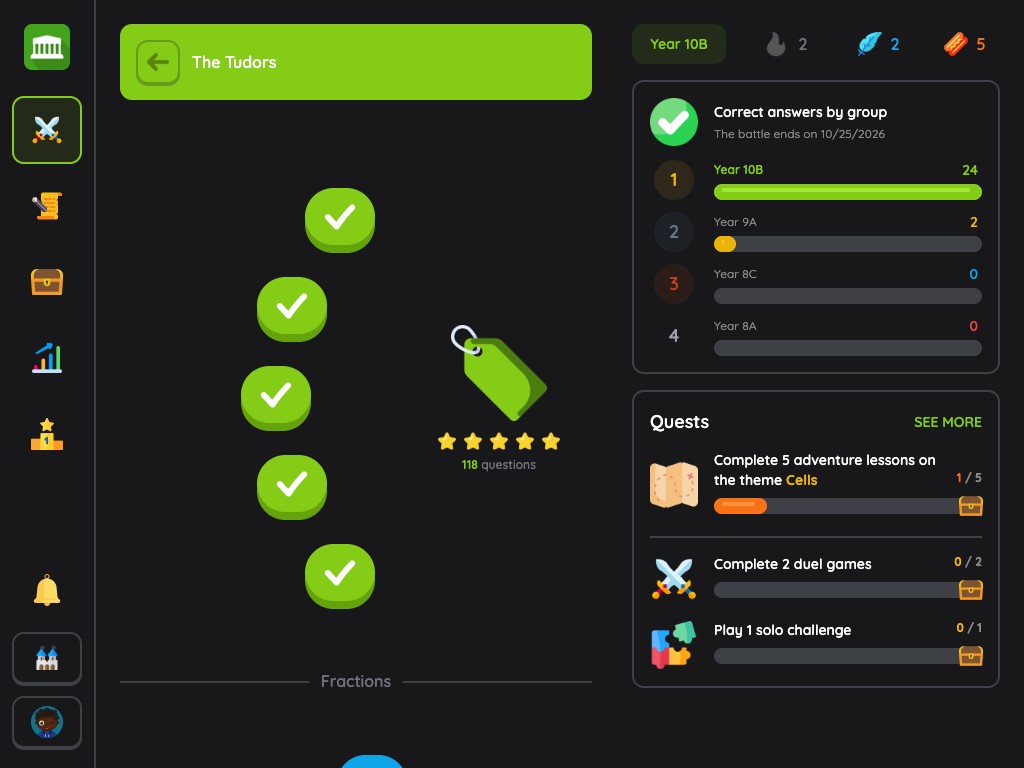
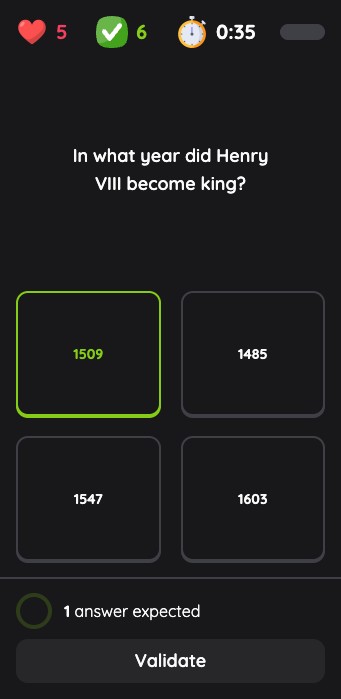
This is the main new feature for students. Each theme becomes a path of 5 lessons of 10 questions, to complete one after the other.
The first lesson opens as soon as the theme has 20 approved questions, then a new lesson unlocks every 20 additional questions. The more the class contributes, the longer the adventure gets: your students have a concrete reason to suggest questions.
Suggesting a question
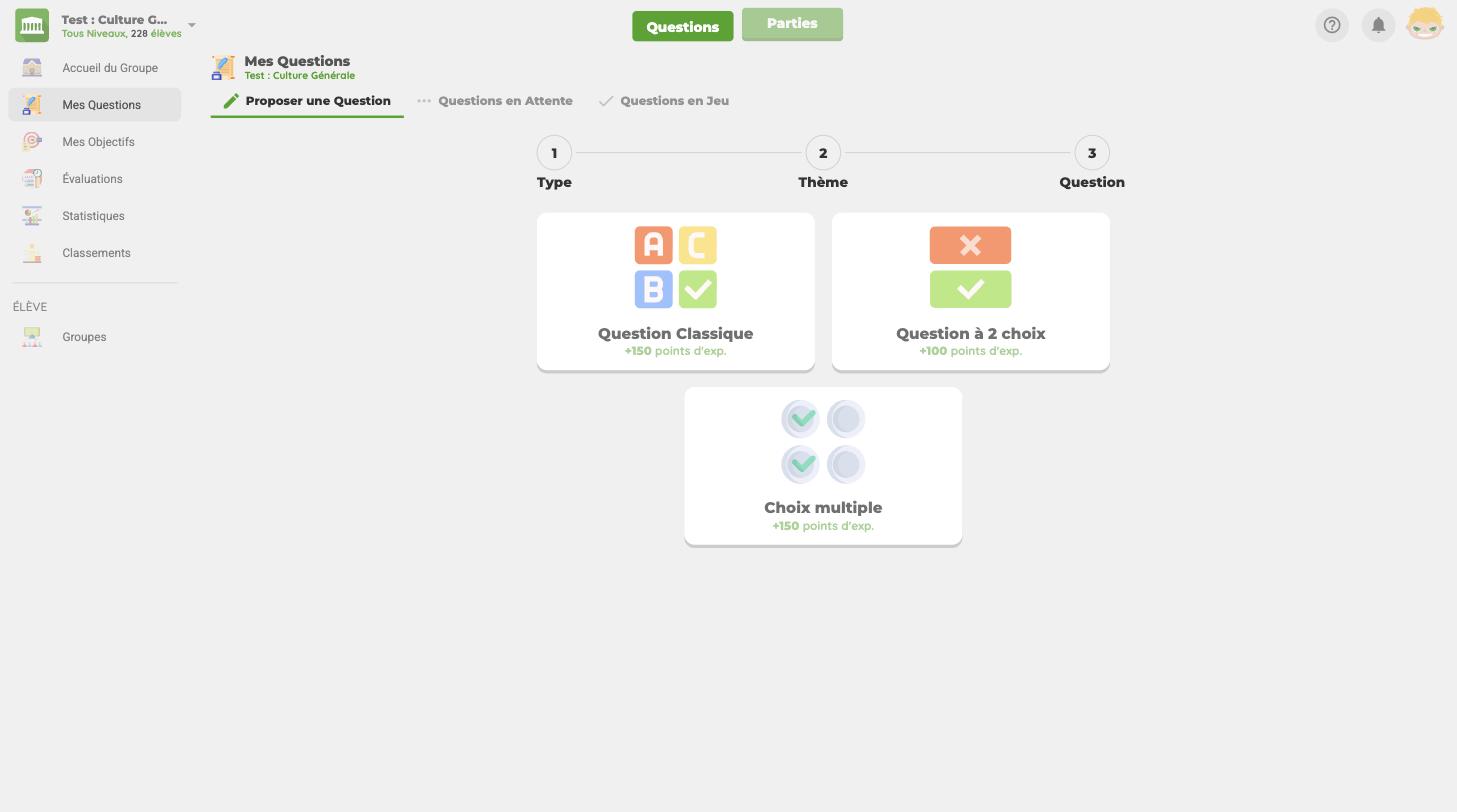
Suggesting a question went through a three-step form: the type, the theme, then the question.
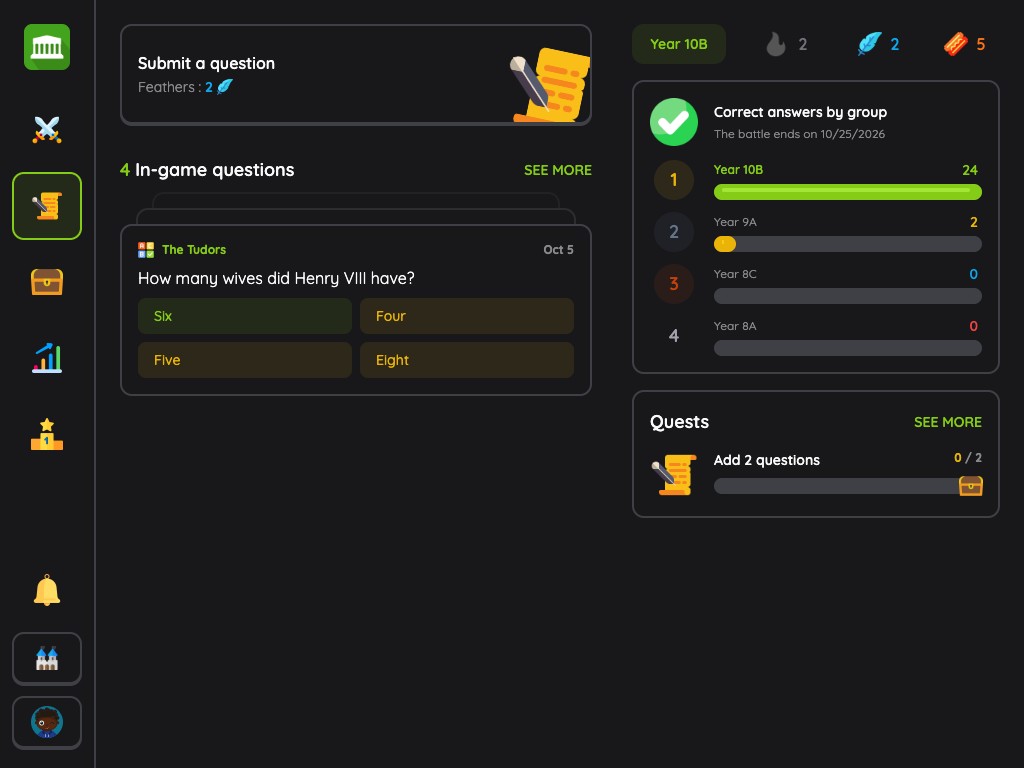
The Contribute tab now gathers everything about the student's questions: the button to suggest one, their questions in play, those waiting for approval and those to correct. They also see how many questions each theme has, and so which ones need them most.
Each suggestion uses one feather. Students hold up to 5 and they refill over time: an incentive to favour quality over quantity.
Goals become quests
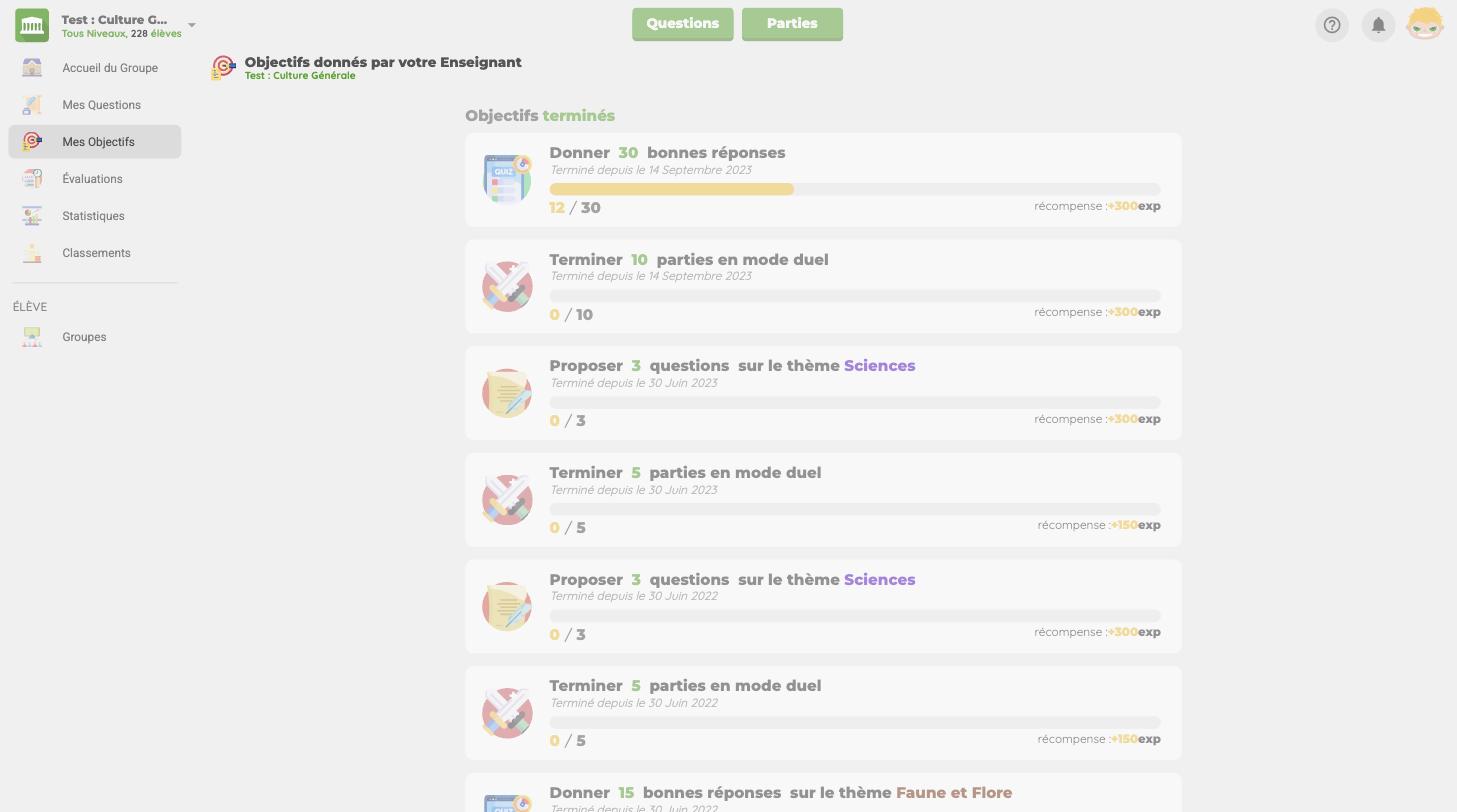
The goals you gave a group used to appear on a separate page.
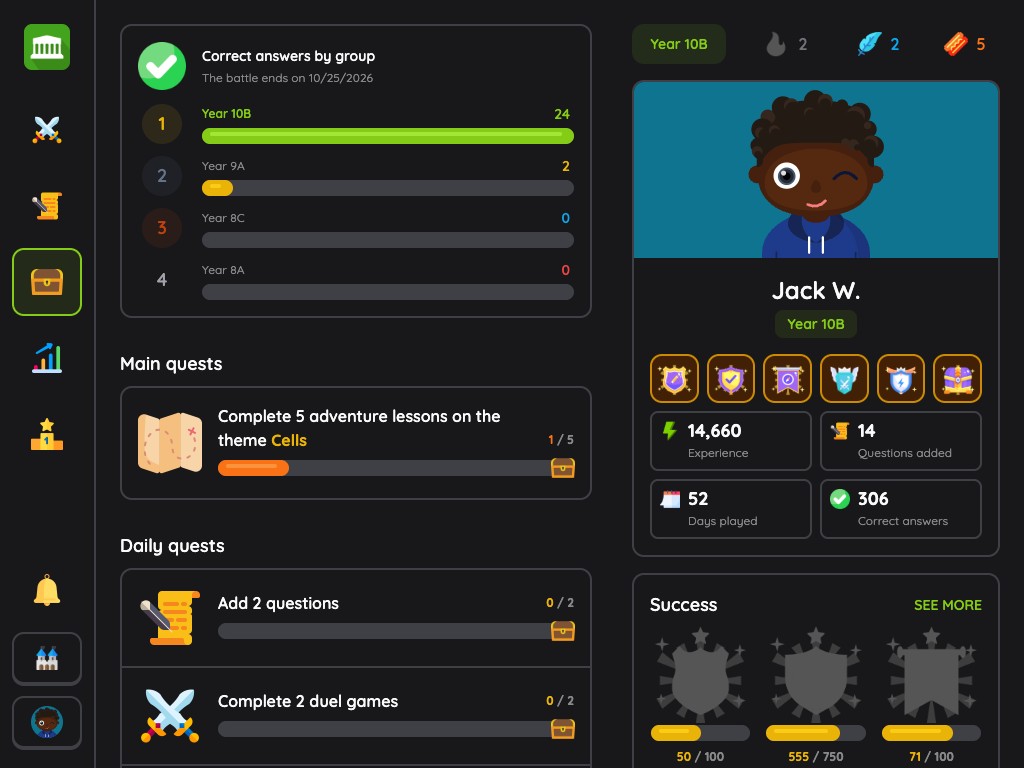
They now come first in the Quests tab, as main quests, with their progress bar. Just below, the app offers each student daily quests: adding questions, finishing lessons, playing a duel or a solo challenge.
Your goals are therefore no longer a list students have to remember to check: they sit in the same place as what they come to do every day.
Clearer statistics
The student's statistics page used to show a success rate per theme.
It now shows their answers day by day, right and wrong, then the detail per theme and the questions they added. Three periods are available: this week, the last 3 months or since the beginning. Their profile sums up their experience, days practised and correct answers.
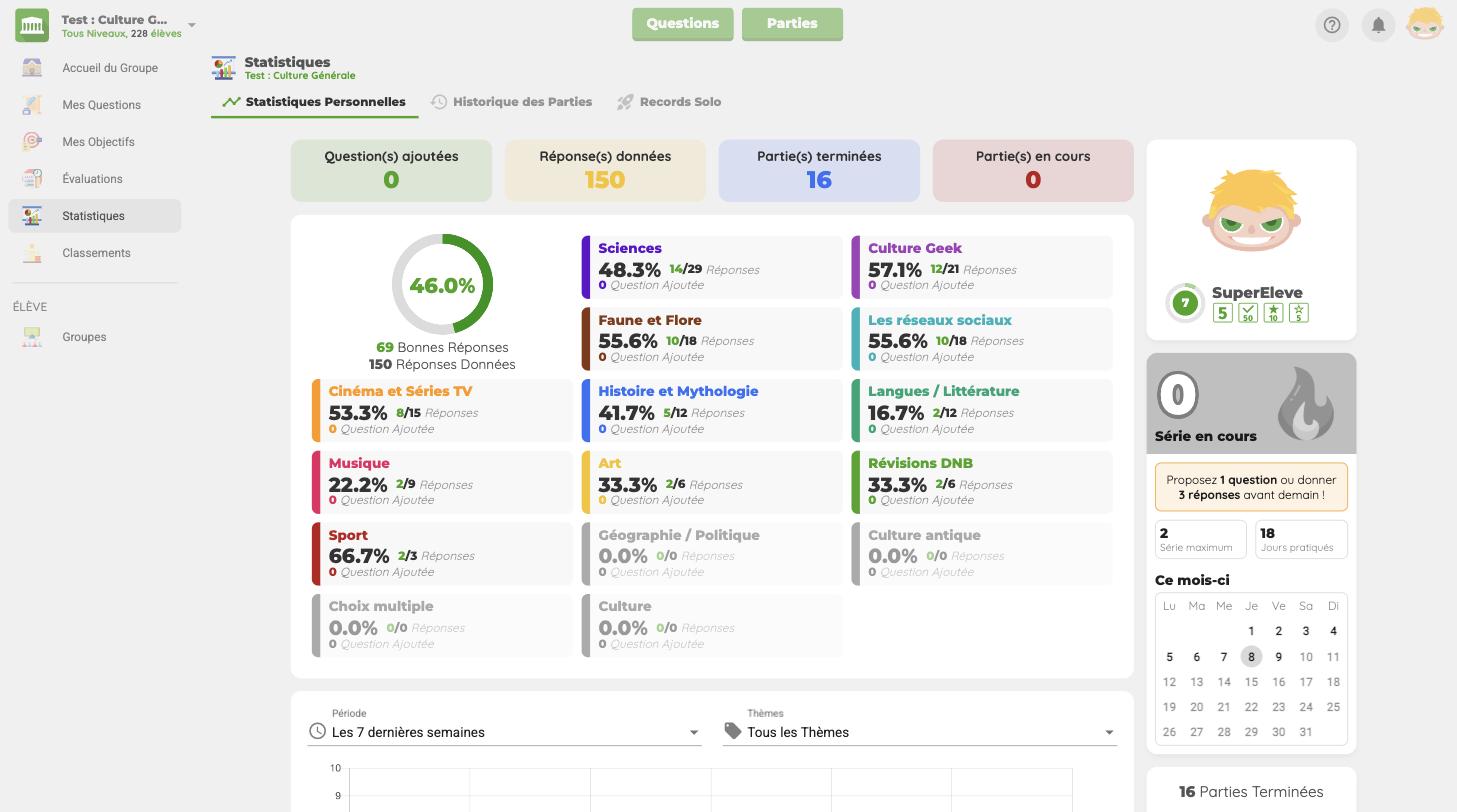
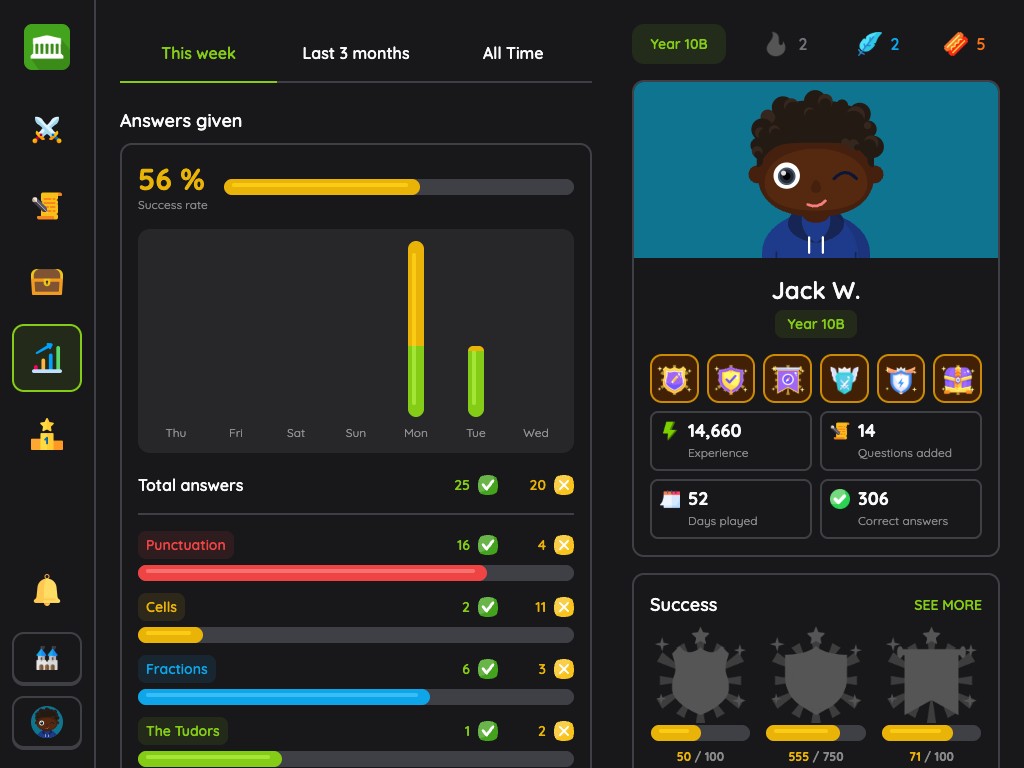
The page now displays their success rate and their last mistakes, each with its correct answer: a good way to go back over what has not sunk in yet.
Achievements to unlock
Quests set a goal for the day. Achievements reward regular work over the whole year.
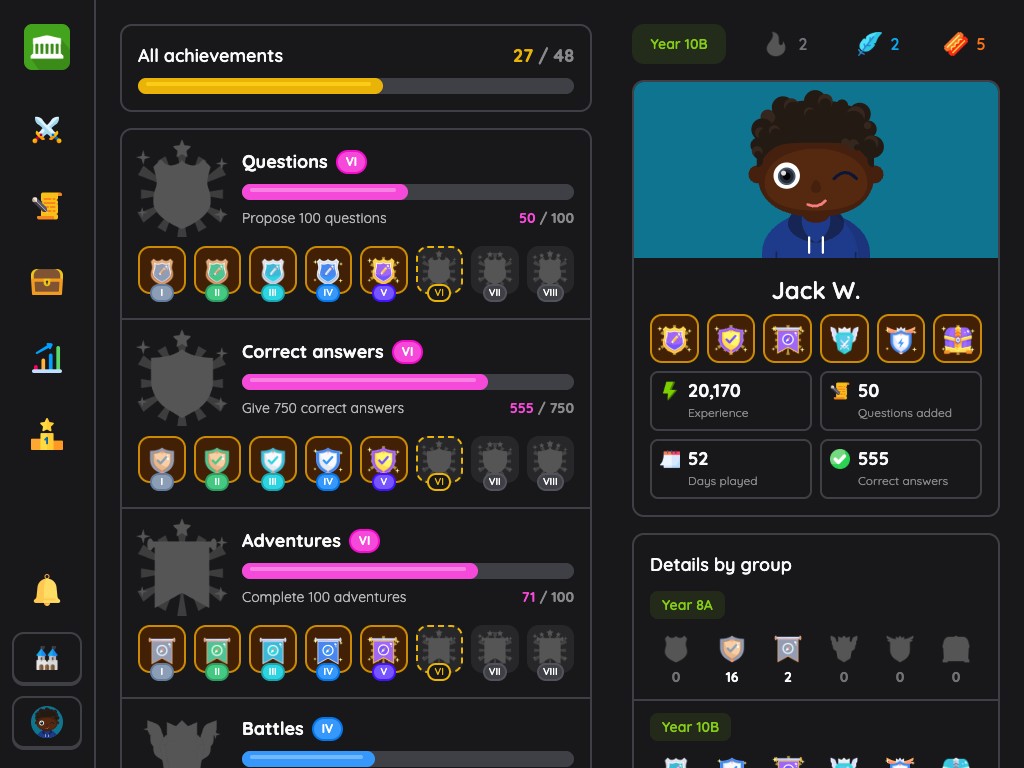
There are six of them: Questions, Correct answers, Adventures, Battles, Solo challenges and Quests. Each one has 8 levels, which makes 48 to unlock. The first comes with the first question suggested or the first game completed, the last one takes 200 questions or 1,500 correct answers.
Students are notified each time they reach a level, and their best badges are displayed on their profile. Achievements add up all their groups, with a breakdown group by group. On your side, you find them on each student's page, in your statistics.
An avatar of their own
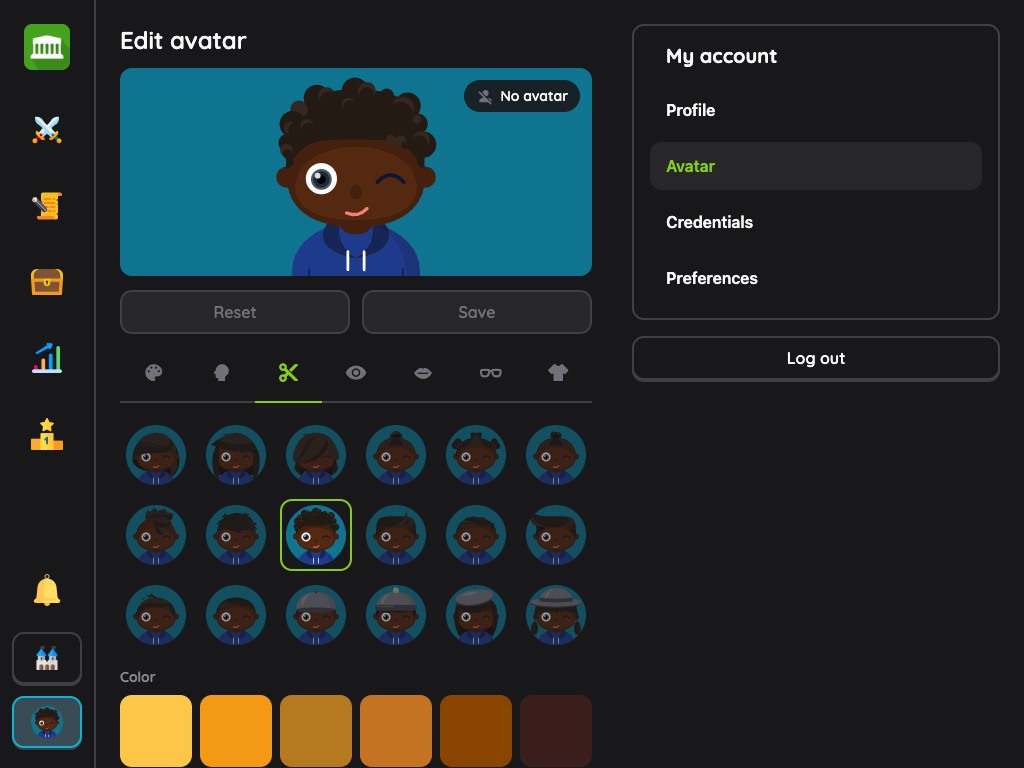
Students build their avatar in an editor: background colour, face, hair, eyes, mouth, glasses, clothes and hat. It appears on their profile, in the leaderboard, facing their opponent in a duel, and in your lists of students.
And also
- Friendly games by invitation: the student looks up a classmate by name and invites them to a duel. The invitation stays valid for 48 hours.
- An interrupted game can be resumed: the app offers to resume a lesson or a challenge that was left halfway.
- An explanation after a mistake: if you attached one to the question, it is displayed after a wrong answer.
- Evaluation corrections: before starting, the student sees the number of questions, the time per question and the closing time. Afterwards, they read their correction question by question, at the moment you chose.
- A podium in the leaderboard: the top three of the group stand out, with their avatar.
- A response time per question: 20 seconds by default, which you set for each game mode.
On a phone, a tablet or a computer
The new app was designed for phones first, and adapts to tablets and computers. Your students can play a ten-question lesson on the bus just as well as in the computer room.
They also choose their appearance, light or dark, and their language in their preferences.
Good to know
- AgoraQuiz remains free for your students, with no advertising at all.
- A student account only needs a username and a password: no email address is required.
- Game modes unlock on their own: 20 approved questions on a theme for Adventure, 30 for Duel, 50 for Solo Challenges.
For a full tour of the app, for teachers and students alike, read the getting started guide.
See you soon on AgoraQuiz!